브랜드 페이지 카탈로그 페이지 기관 단체 페이지 AI 툴킷
VjQj
무료 진단
요금 안내 사용 가이드
로그인 지금 시작하기

VjQj 플랫폼 매뉴얼

  • 빠른 시작
    • 빠른 시작 안내
  • 시작하기
    • VjQj는 무엇인가요?
    • 이 가이드 사용법
  • 계정 설정
    • 계정 생성
    • 로그인
    • 계정 설정 관리
  • 브랜드 프로필
    • 브랜드 페이지 만들기
    • 이미지 및 동영상 업로드
  • 제품 카탈로그
    • 카탈로그 페이지 만들기
    • 무역 조건 및 설명
  • QR 코드 및 채널
    • QR 코드 개요
    • QR 코드 생성 및 다운로드
    • 채널 추적 및 분석
    • QR 코드 사용 사례
  • 구매자 문의
    • 문의 유형
    • 이메일 알림
    • 문의 검토 절차
    • VjQj 신뢰 시스템
  • 대시보드
    • 대시보드 액세스
    • 대시보드 유형
    • KPI 지표 이해
    • 분석 탭 및 필터
    • 시계열 차트 읽기
    • 페이지 통계
    • 데이터 보안 및 개인정보 보호
  • 지원
    • 지원받는 방법
    • 일반적인 문제
    • 티켓 기록
  • 마케팅 스토어
    • 마케팅 스토어 개요
    • 구매 및 결제
    • 구매 후 관리
카테고리 보기
  • 사용 가이드
  • VjQj 플랫폼 매뉴얼
  • 제품 카탈로그

카탈로그 페이지 만들기

Catalog Pages are product or service listings. Each one links to your Brand Page. You must have a published Brand Page first.

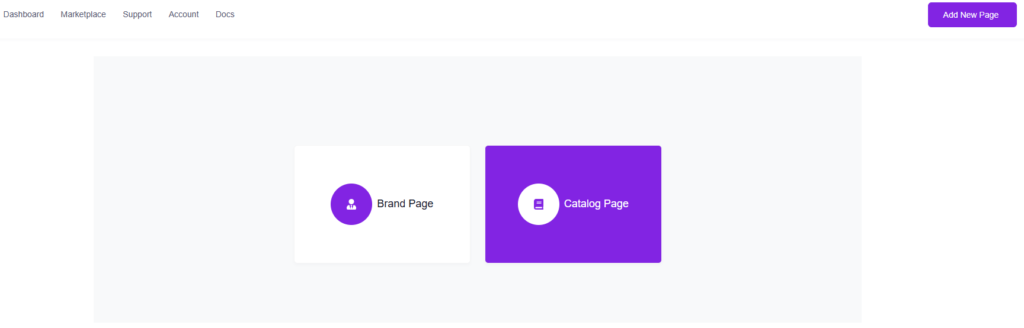
Go to My Pages, click Add New Page, choose Catalog Page.

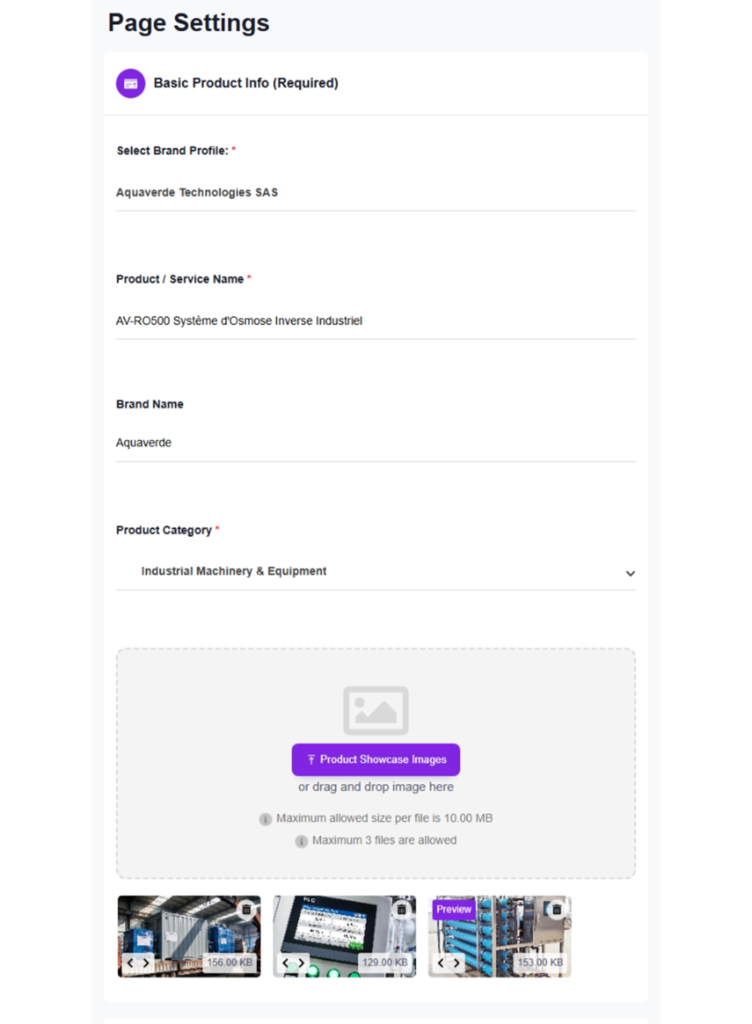
1. Basic Product Info (Required)

브랜드 프로필 — auto-selected if you only have one. You must publish a Brand Page first before this field shows anything.

Product / Service Name — the page title Chinese buyers see.

Brand Name — the brand this product belongs to.

Product Category — select from the dropdown.

Product Showcase Images — up to 3 images. These display as a scrollable slider at the top of your catalog page.

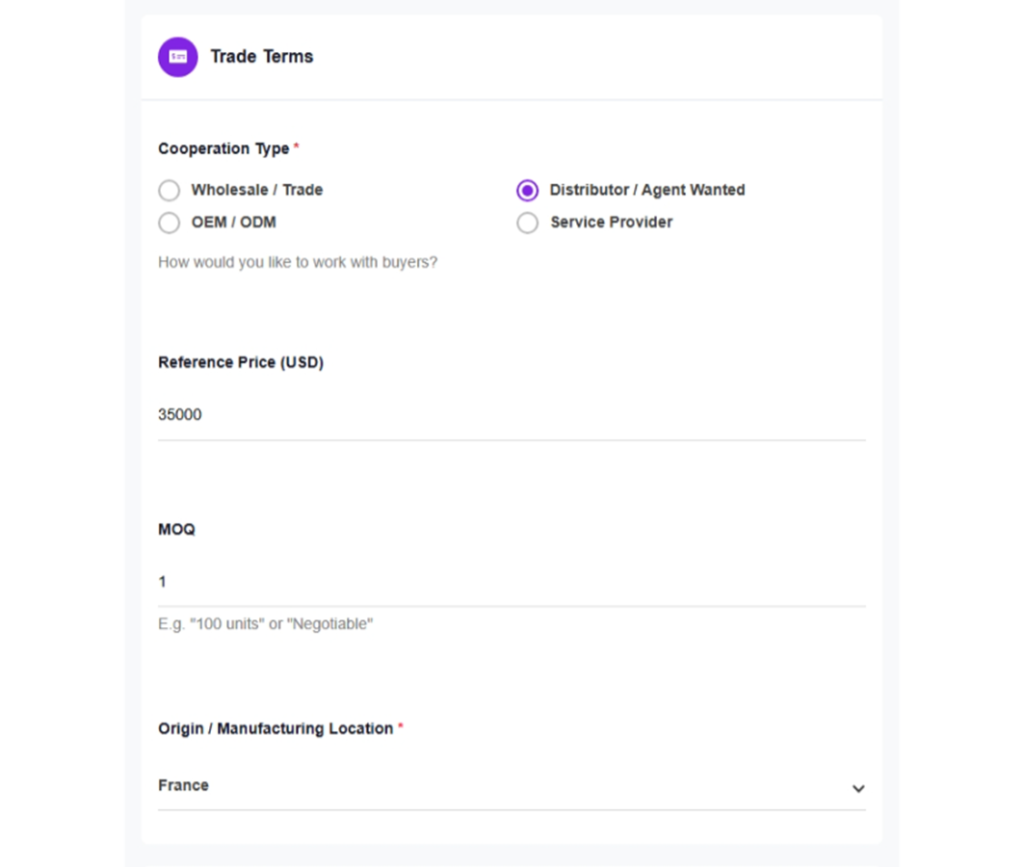
2. Trade Terms

Cooperation Type — choose one: Wholesale / Trade, Distributor / Agent Wanted, OEM / ODM, or Service Provider.

Reference Price (USD) — enter a number. Leave blank if you'd rather not show pricing. This is indicative only.

MOQ — minimum order quantity. Be specific ("100 units" or "500 kg"). Type "Negotiable" if no hard minimum.

Origin / Manufacturing Location — select the country from the dropdown.

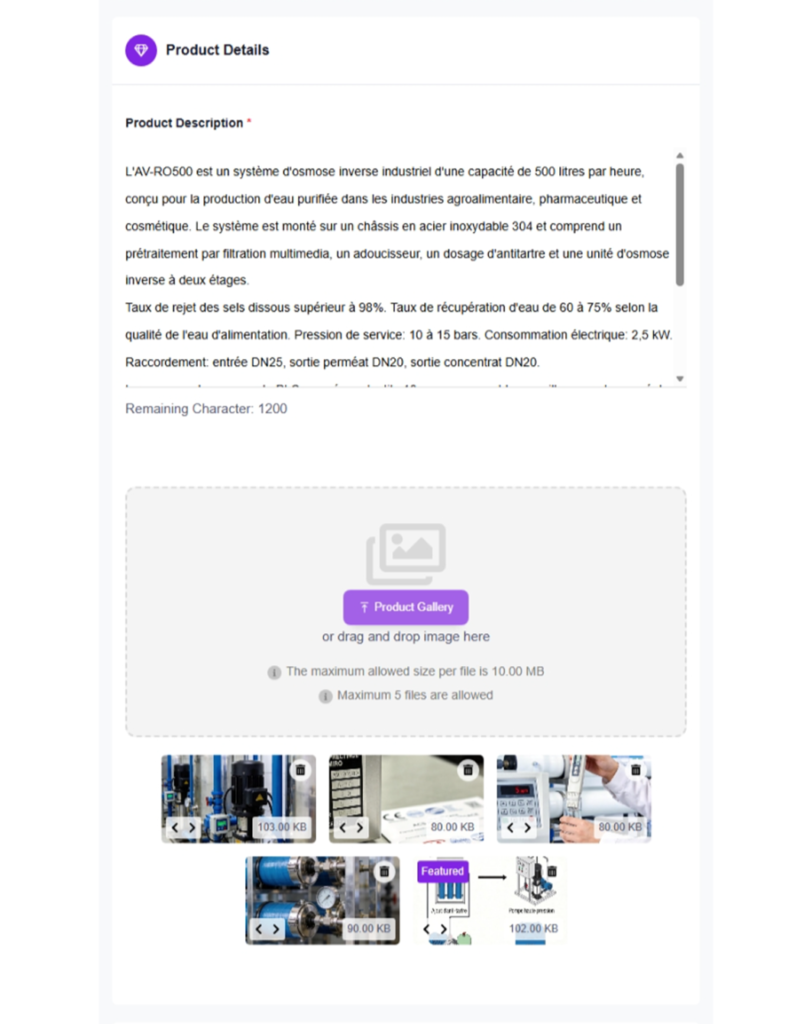
3. Product Details

Product Description — up to 1,200 characters. Cover what it is, key specs, applications, certifications, and your competitive advantage.

Product Gallery — up to 5 images. Close-ups, packaging, certification labels, product-in-use photos.

4. Publishing

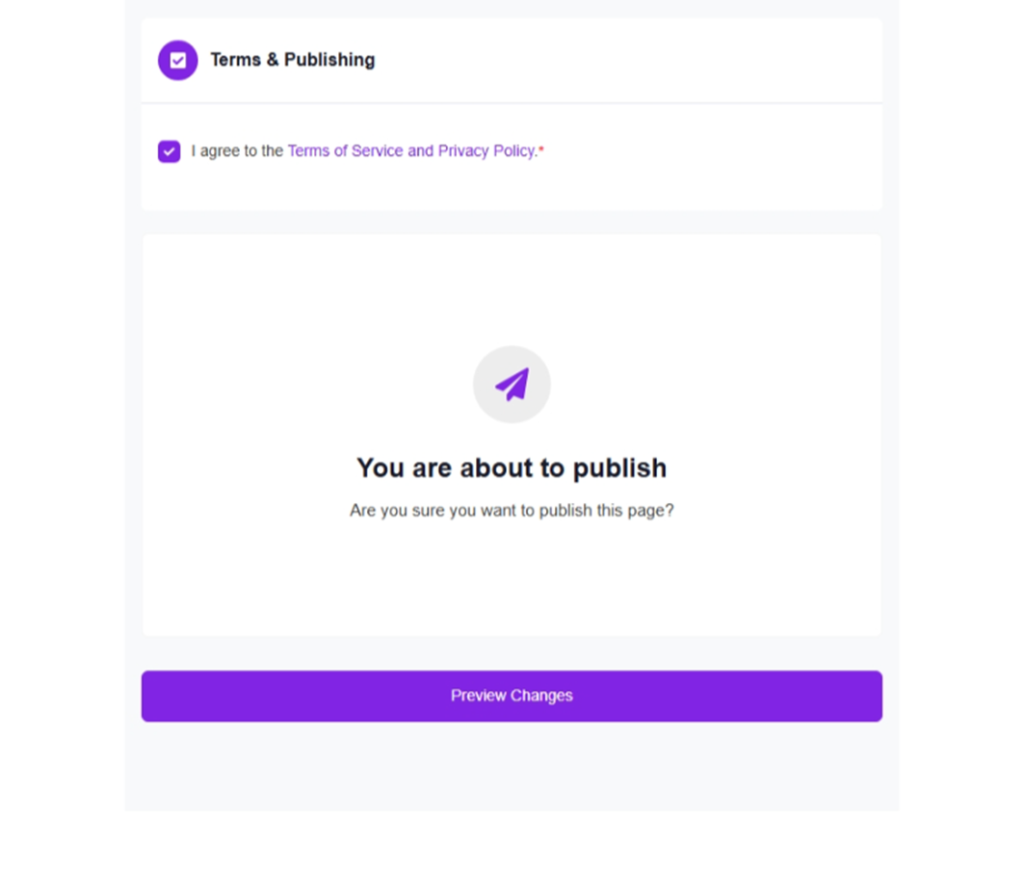
Same as Brand Page: check the terms, click Submit. Translation and deployment are automatic.

도움이 되었나요?

  • 행복한
  • 정상
  • 슬픈

공유:

  • Facebook
  • X
  • LinkedIn
  • Pinterest
VjQj

해외 브랜드를 위한 완벽한 중국 디지털 거점. 현지 법인 설립도, 복잡한 대행사도, 불필요한 시행착오도 없습니다.

제품

브랜드 페이지 카탈로그 페이지 기관 단체 페이지 AI 툴킷

자원

무료 진단 요금 안내 사용 가이드

시작하기

내 중국 페이지 생성하기 →

무료 시작 · 신용카드 불필요

ICP: 津ICP备2025038813号  연락하기: support@vjqj.com  |  서비스 약관  ·  개인정보처리방침 에 동의하게 됩니다
© 2026 톈진 쉬니우 AI 스튜디오. 모든 권리가 저작권으로 보호됩니다.
링크드인
🌐Language:
English(으)로 언어 변경 English
Korean
OK
Korean
English