Brand Page Catalog Page Organization Page
VjQj
Free Audit
Pricing Docs
Log In Get Started Free →

VjQj Platform Manual

  • Quick Start
    • Quick Start Guide
  • Getting Started
    • What is VjQj?
    • How to Use This Guide
  • Account Setup
    • Create Your Account
    • Log In
    • Manage Account Settings
  • Brand Profile
    • Create Your Brand Page
    • Upload Images & Videos
  • Product Catalog
    • Create a Catalog Page
    • Trade Terms & Descriptions
  • QR Codes & Channels
    • QR Code Overview
    • Generate & Download QR Codes
    • Channel Tracking & Analytics
    • QR Code Use Cases
  • Buyer Inquiries
    • Inquiry Types
    • Email Notifications
    • Inquiry Review Process
    • VjQj Trust System
  • Dashboard
    • Accessing the Dashboard
    • Dashboard Types
    • Understanding KPI Metrics
    • Analytics Tabs & Filters
    • Reading Time-Series Charts
    • Page-Level Statistics
    • Data Security & Privacy
  • Support
    • How to Get Support
    • Common Issues
    • Ticket History
  • Marketing Store
    • Marketing Store Overview
    • Purchase & Payment
    • Post-Purchase Management
View Categories
  • Docs
  • VjQj Platform Manual
  • Product Catalog

Create a Catalog Page

Catalog Pages are product or service listings. Each one links to your Brand Page. You must have a published Brand Page first.

Go to My Pages, click Add New Page, choose Catalog Page.
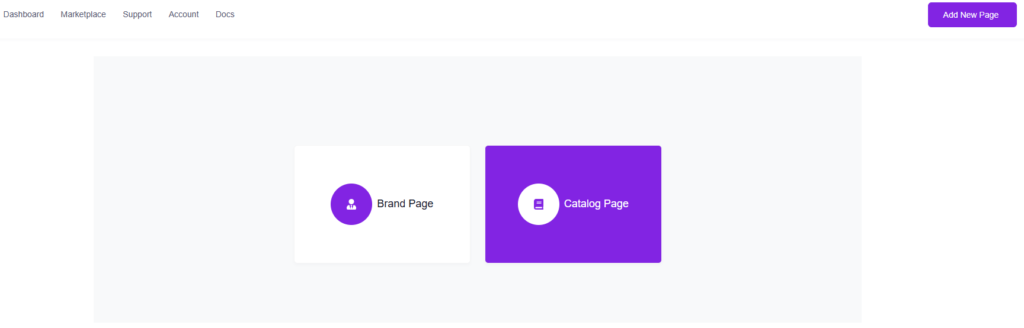
1. Basic Product Info (Required)

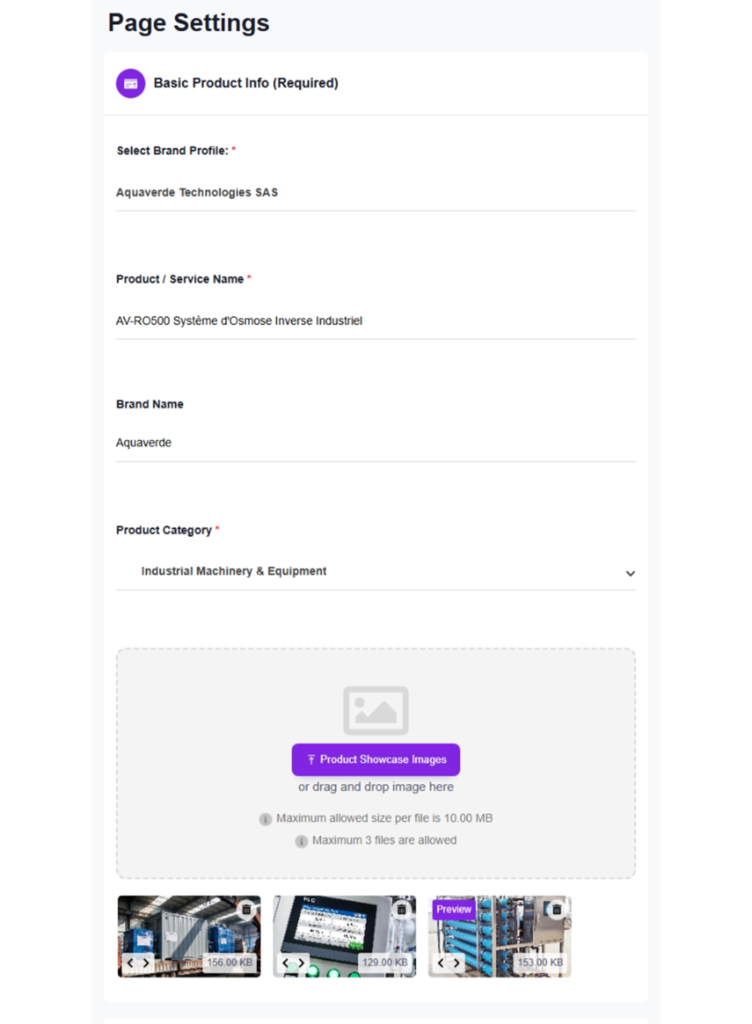
Brand Profile — auto-selected if you only have one. You must publish a Brand Page first before this field shows anything.

Product / Service Name — the page title Chinese buyers see.

Brand Name — the brand this product belongs to.

Product Category — select from the dropdown.

Product Showcase Images — up to 3 images. These display as a scrollable slider at the top of your catalog page.
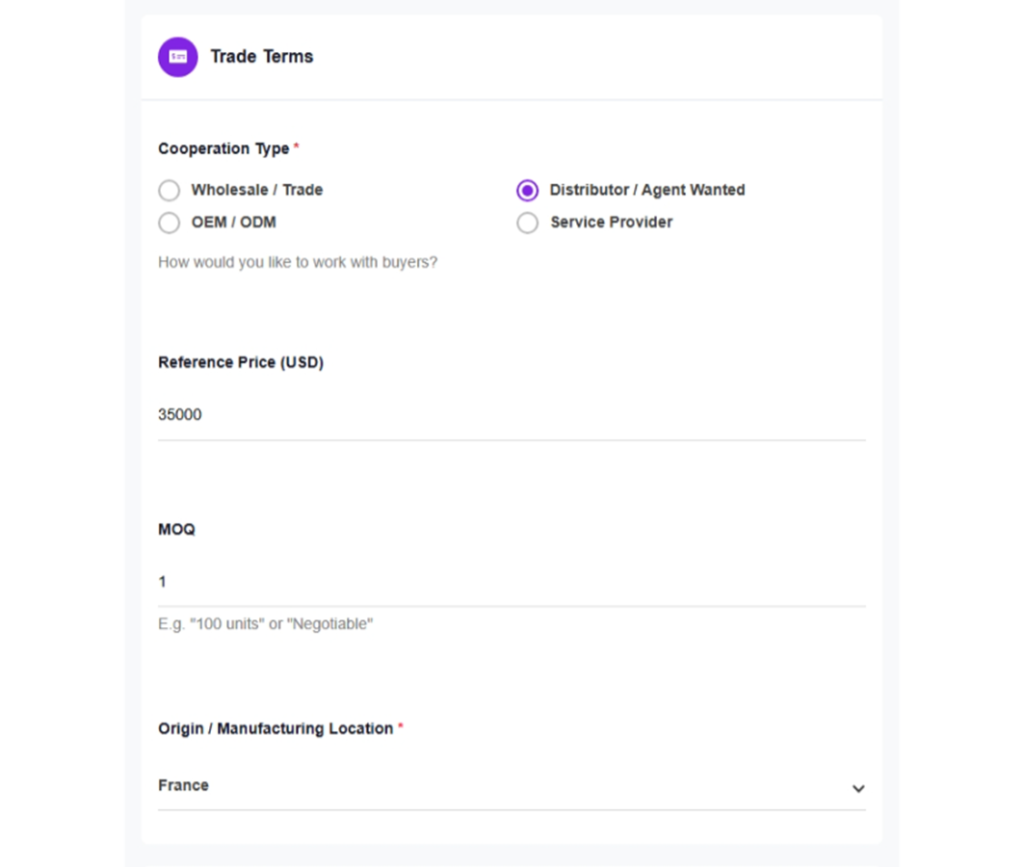
2. Trade Terms

Cooperation Type — choose one: Wholesale / Trade, Distributor / Agent Wanted, OEM / ODM, or Service Provider.

Reference Price (USD) — enter a number. Leave blank if you'd rather not show pricing. This is indicative only.

MOQ — minimum order quantity. Be specific ("100 units" or "500 kg"). Type "Negotiable" if no hard minimum.

Origin / Manufacturing Location — select the country from the dropdown.
3. Product Details

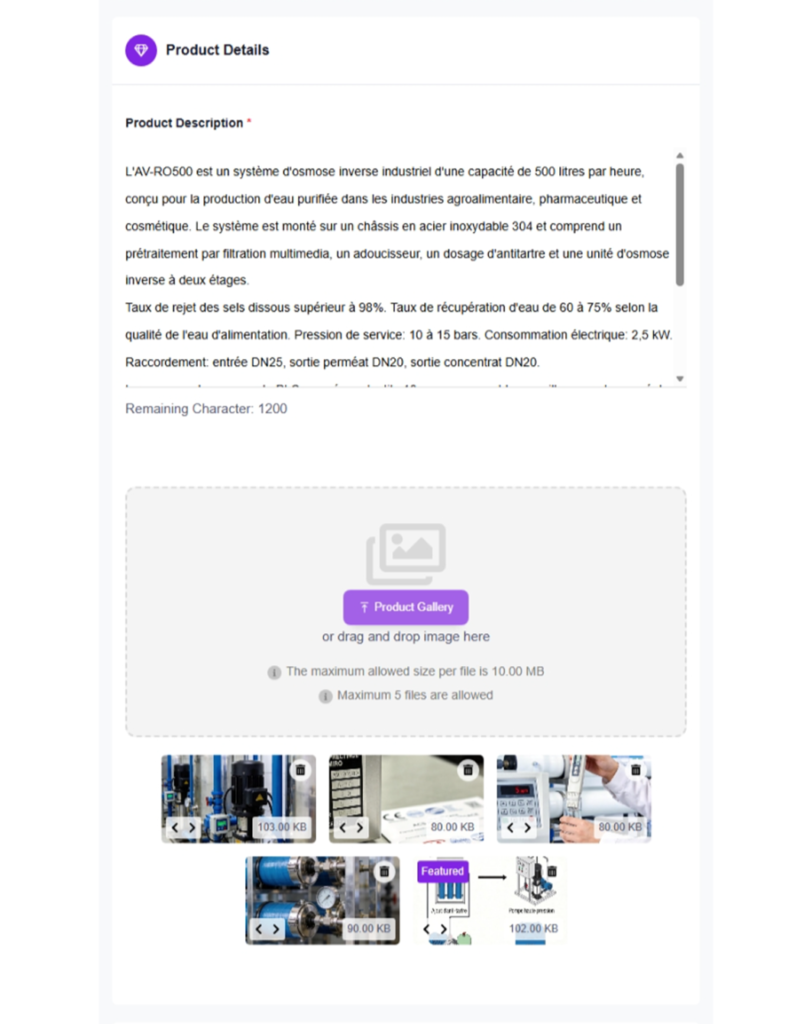
Product Description — up to 1,200 characters. Cover what it is, key specs, applications, certifications, and your competitive advantage.

Product Gallery — up to 5 images. Close-ups, packaging, certification labels, product-in-use photos.
4. Publishing

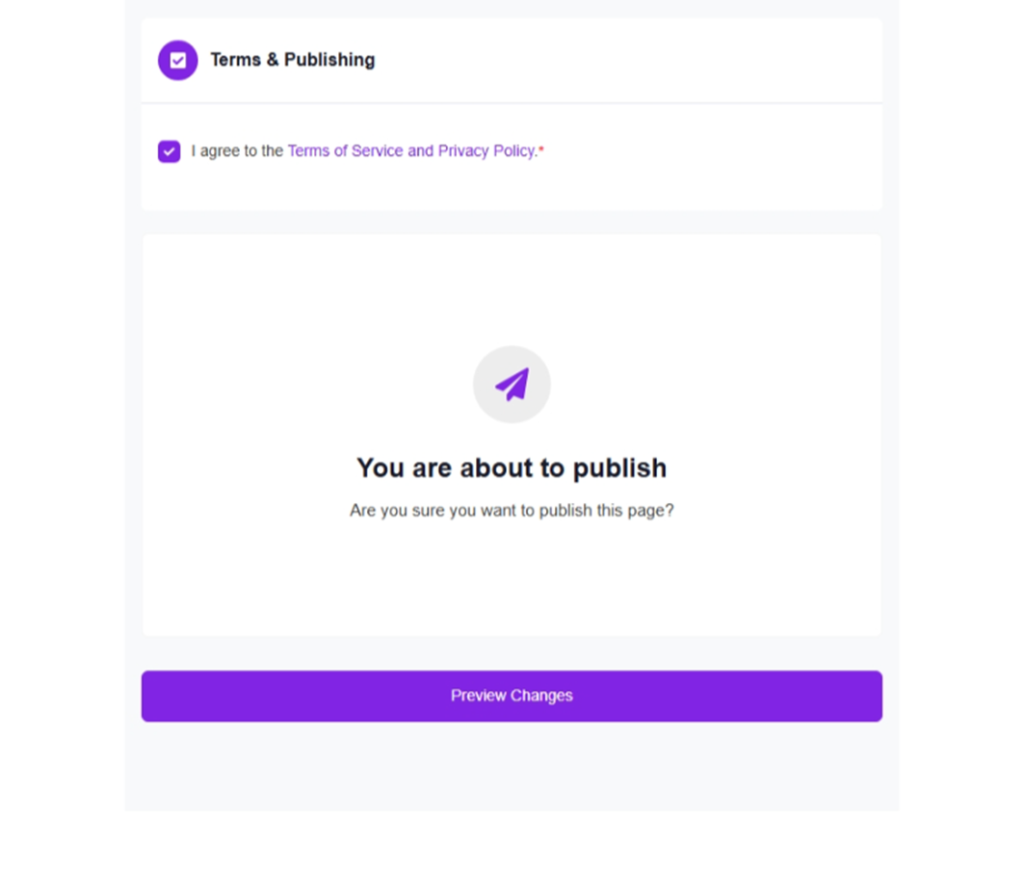
Same as Brand Page: check the terms, click Submit. Translation and deployment are automatic.
Was this helpful?

  • Happy
  • Normal
  • Sad

Share:

  • Facebook
  • X
  • LinkedIn
  • Pinterest
VjQj

China digital presence for foreign brands. No local entity. No agency. No guesswork.

Products

Brand Page Catalog Page Organization Page

Resources

Free Audit Pricing Docs

Get Started

Create Free Chia Presence Page →

Free to start · No credit card required

ICP: 津ICP备2025038813号  |  Contact: support@vjqj.com  |  Terms of Service  ·  Privacy Policy
© 2026 Tianjin Xuniu AI Studio. All rights reserved.
LinkedIn
🌐Language:
English
English
Change language to 한국어 한국어
Change language to 日本語 日本語
Change language to Deutsch Deutsch
Change language to Français Français
Change language to Español Español
Change language to العربية العربية
Change language to Português do Brasil Português do Brasil
Change language to Русский Русский
Change language to Bahasa Indonesia Bahasa Indonesia
Change language to Tiếng Việt Tiếng Việt
Change language to Türkçe Türkçe
Change language to ไทย ไทย
Change language to हिन्दी हिन्दी
OK
English
한국어 日本語 Deutsch Français Español العربية Português do Brasil Русский Bahasa Indonesia Tiếng Việt Türkçe ไทย हिन्दी