Brand Page Catalog Page Organization Page AI Assistant
VjQj
Free Audit
Pricing Docs
Log In Get Started →

VjQj Platform Manual

  • Quick Start
    • Quick Start Guide
  • Getting Started
    • What is VjQj?
    • How to Use This Guide
  • Account Setup
    • Create Your Account
    • Log In
    • Manage Account Settings
  • Brand Profile
    • Create Your Brand Page
    • Upload Images & Videos
  • Product Catalog
    • Create a Catalog Page
    • Trade Terms & Descriptions
  • QR Codes & Channels
    • QR Code Overview
    • Generate & Download QR Codes
    • Channel Tracking & Analytics
    • QR Code Use Cases
  • Buyer Inquiries
    • Inquiry Types
    • Email Notifications
    • Inquiry Review Process
    • VjQj Trust System
  • Dashboard
    • Accessing the Dashboard
    • Dashboard Types
    • Understanding KPI Metrics
    • Analytics Tabs & Filters
    • Reading Time-Series Charts
    • Page-Level Statistics
    • Data Security & Privacy
  • Support
    • How to Get Support
    • Common Issues
    • Ticket History
  • Marketing Store
    • Marketing Store Overview
    • Purchase & Payment
    • Post-Purchase Management
View Categories
  • Docs
  • VjQj Platform Manual
  • Account Setup

Manage Account Settings

After logging in, click Account in the top navigation bar. You'll see a sidebar on the left with links to each section of your account.
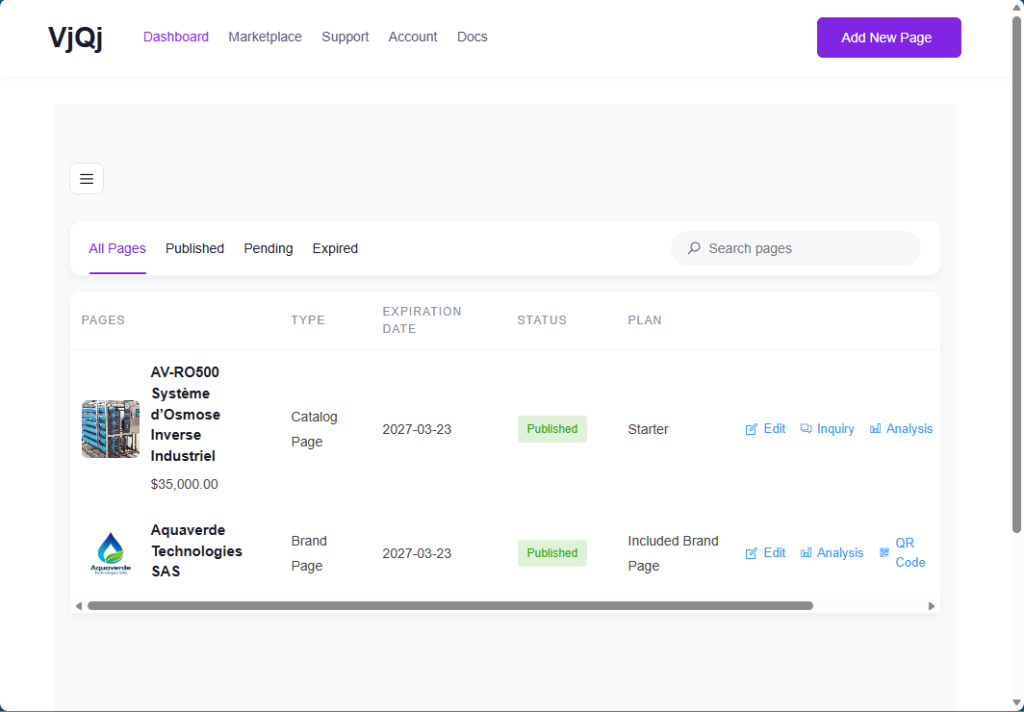
Dashboard is the first thing you see. It shows a welcome message and quick links to your recent orders, shipping and billing addresses, and account details.

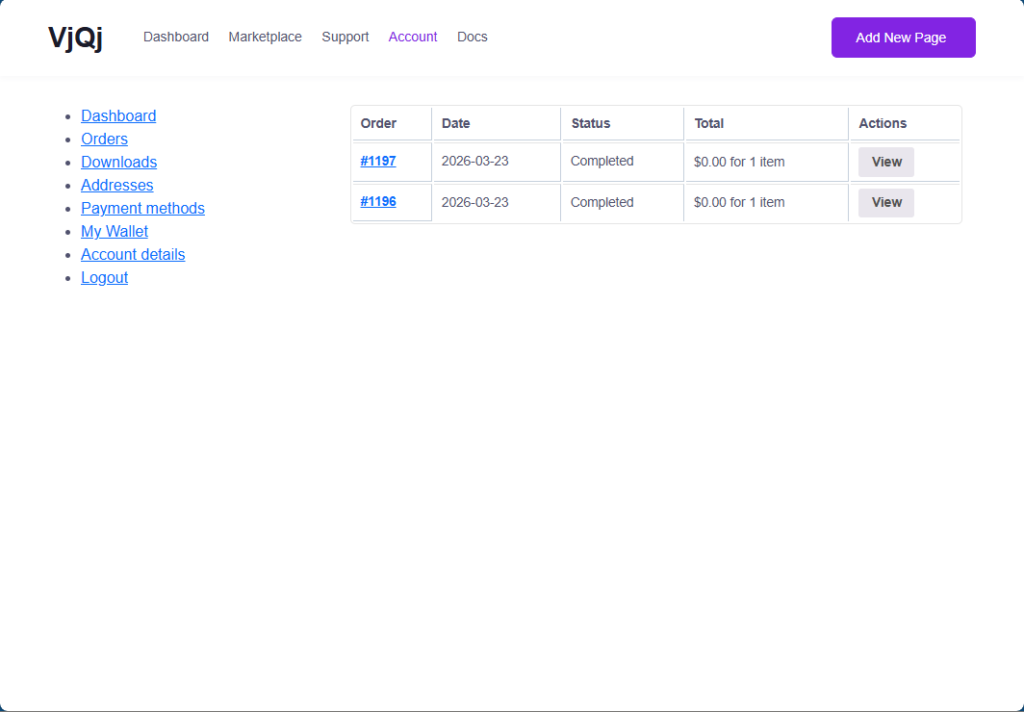
Orders shows your purchase history. Each row displays the order number, date, status, total amount, and a View button to see the full details.
Payment methods is where you add or update credit cards for direct purchases on the platform.

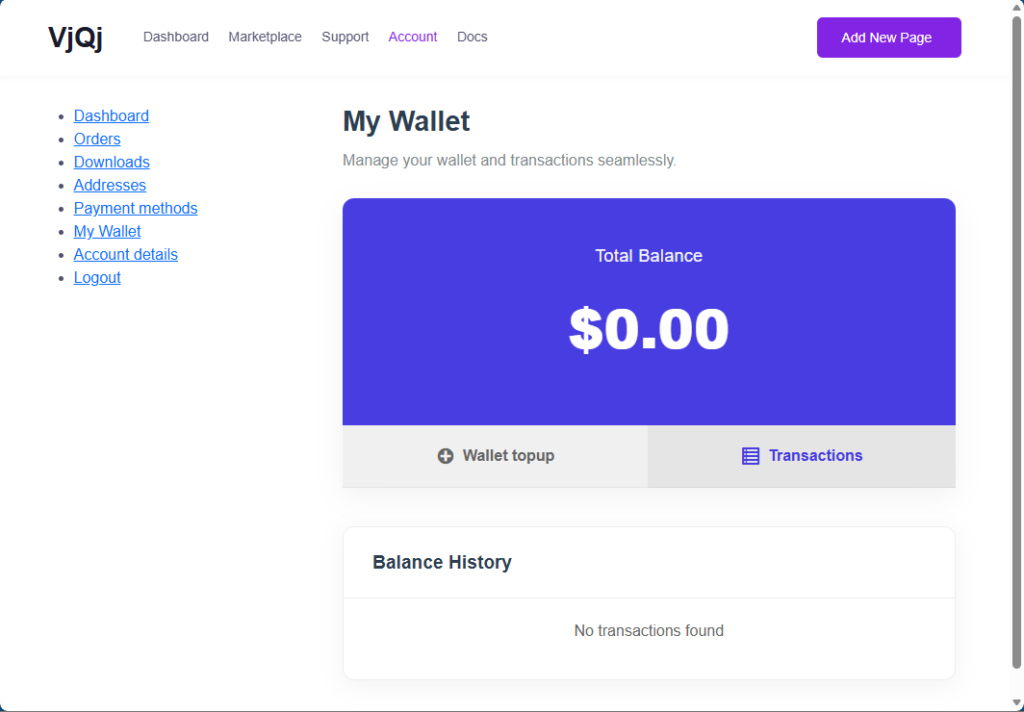
My Wallet shows your credit balance for Marketing Store purchases. Use Wallet topup to add credits, and check Balance History to see past transactions.
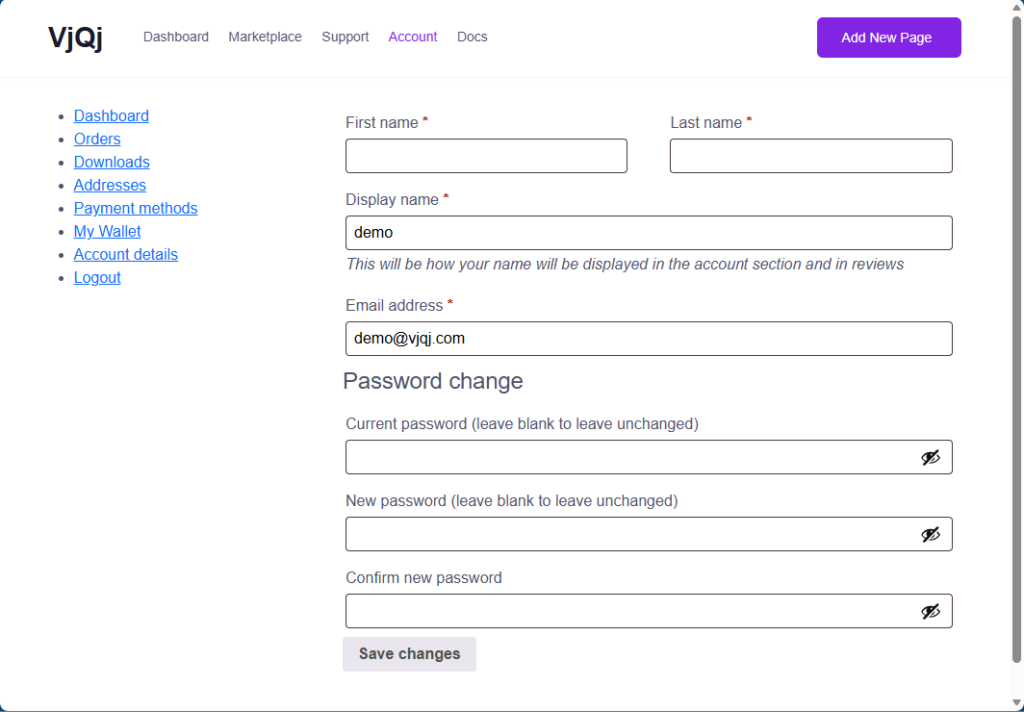
Account details is where you update your personal information. You can change your first name, last name, display name, and email address. To change your password, enter your current password first, then type and confirm the new one. Click Save changes when done.
Downloads and Addresses are standard sections. Downloads shows any downloadable files linked to your purchases. Addresses stores your shipping and billing information.

Was this helpful?

  • Happy
  • Normal
  • Sad

Share:

  • Facebook
  • X
  • LinkedIn
  • Pinterest
VjQj

China digital presence for foreign brands. No local entity. No agency. No guesswork.

Products

Brand Page Catalog Page Organization Page AI Assistant

Resources

Free Audit Pricing Docs

Get Started

Generate My China Page →

Free to start · No credit card required

ICP: 津ICP备2025038813号  |  Contact: support@vjqj.com  |  Terms of Service  ·  Privacy Policy
© 2026 Tianjin Xuniu AI Studio. All rights reserved.
LinkedIn
🌐Language:
English
English
Change language to Korean Korean
OK
English
Korean












