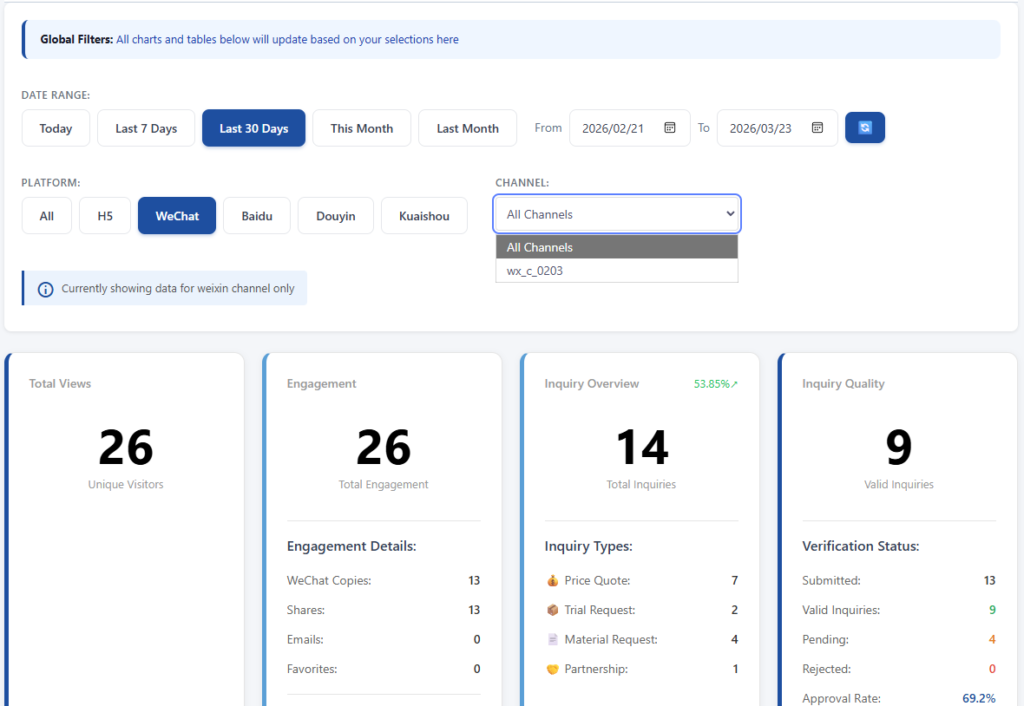
Inquiries go through a verification process. In your Dashboard, switch the data table to "By Channel ID" to see inquiry quality details.
The statuses are:
Submitted — total number of inquiries received. Valid — approved, auto-approved, or expired pending (after 14 days without action, they count as valid).
Pending — waiting for your review.
Rejected — you've marked them as invalid.
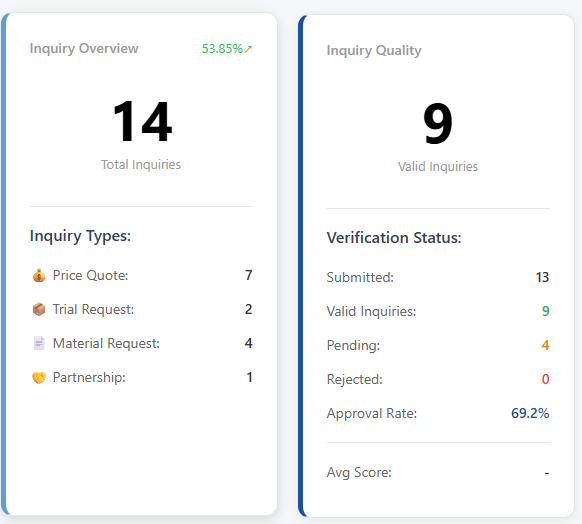
You'll also see an Approval Rate (valid divided by submitted) and an Average Score per channel.
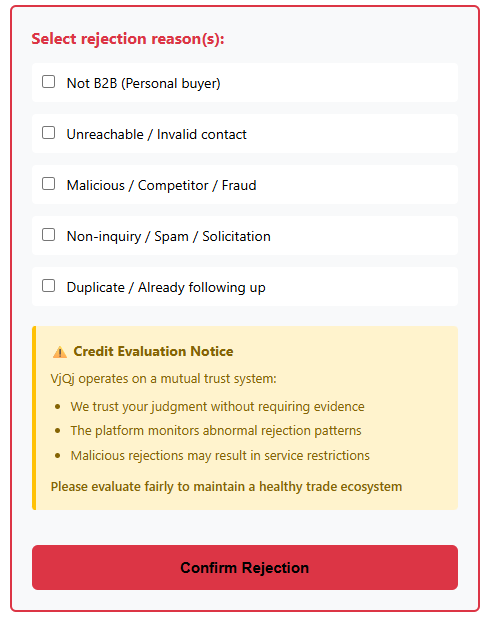
When rejecting an inquiry, you select a reason:
1 — Not a B2B customer (individual buyer).
2 — Contact info invalid or unreachable.
3 — Malicious, competitor, or fraud.
4 — Spam, solicitation, or not a real inquiry.
5 — Duplicate, already being followed up.
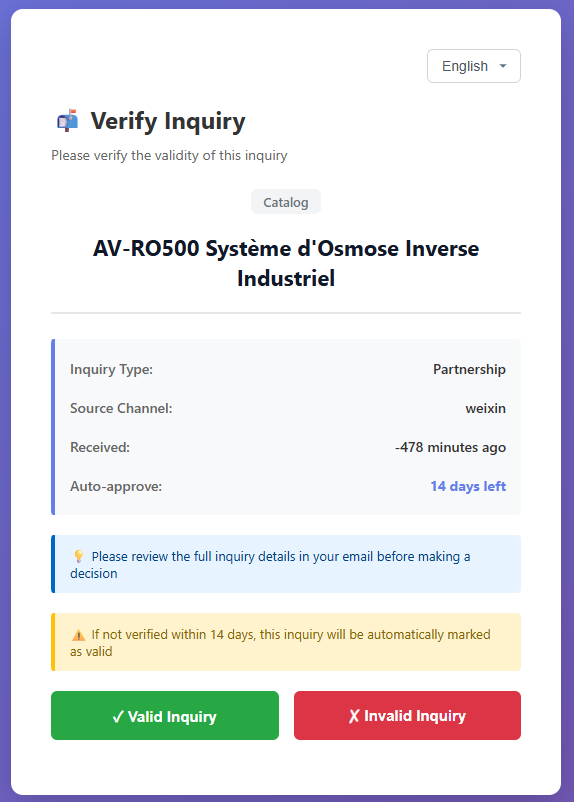
Review your inquiries regularly. Valid/rejected classification keeps your dashboard metrics clean and helps the platform improve filtering for everyone.