Step by step:
In My Pages, click the QR icon next to your page.
1. Select a Platform (e.g. WeChat).
2. Select a Channel Type (e.g. Campaign).
3. Enter a Channel ID (1-5 characters, e.g. "expo1").
4. Click Generate.
5. Download the QR code image or copy the URL.
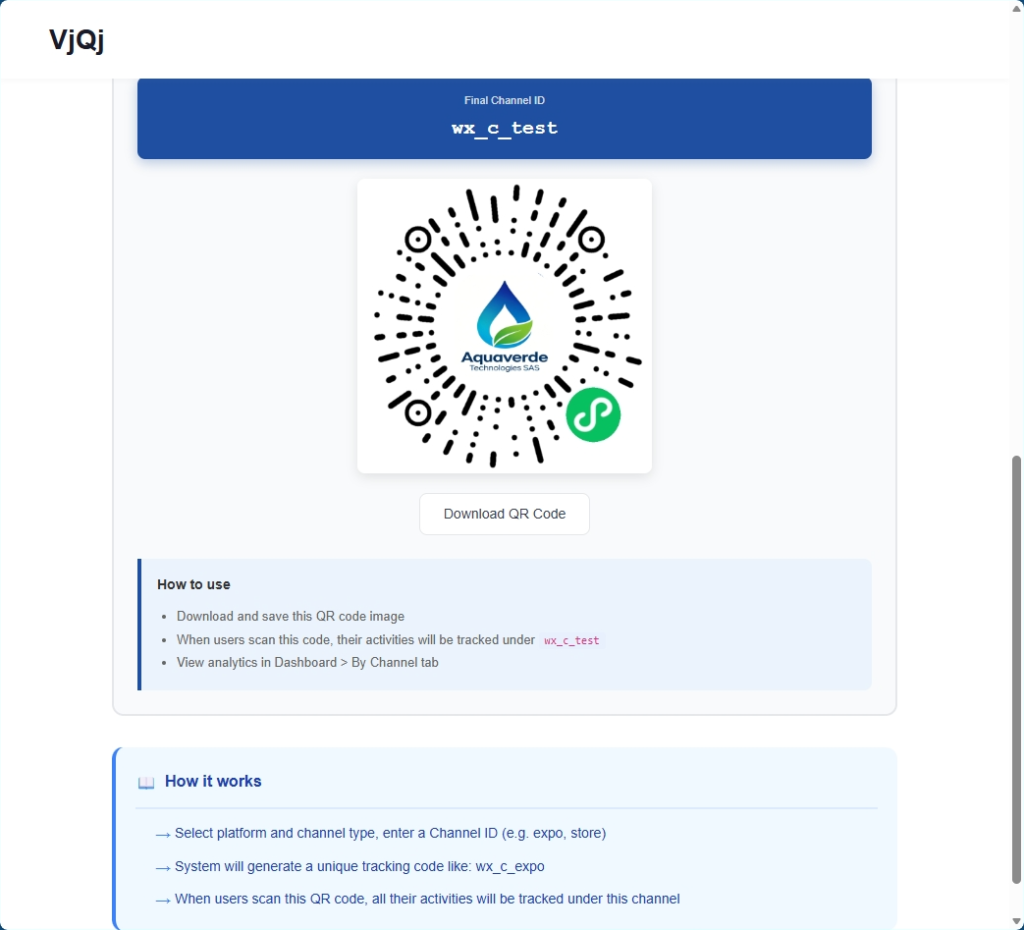
Create a separate QR code for every distribution channel. If you use the same code for a trade show and a brochure, you lose tracking granularity.
Use descriptive Channel IDs. "expo1" is more useful in your dashboard later than "test".
Always scan the QR code yourself before printing. Open the target app and scan to confirm it loads.















