Получите свою первую страницу для Китая в работающем состоянии примерно за 15 минут. Для начала вам не нужны изображения или полный профиль.
Шаг 1 — Регистрация
Перейдите на сайт app.vjqj.com и нажмите «Зарегистрироваться».
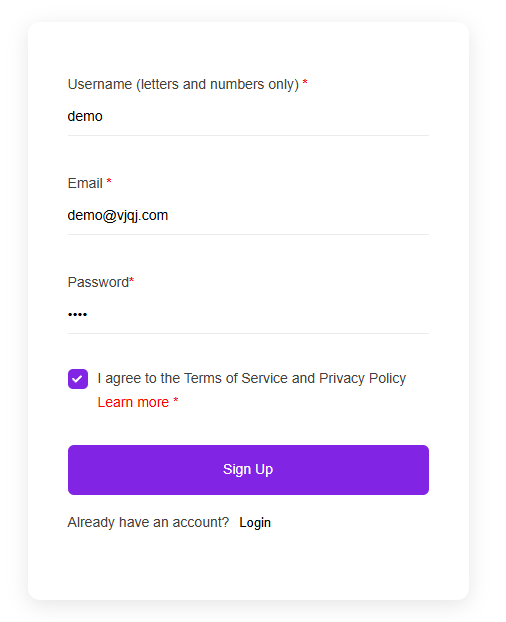
Заполните три пункта: имя пользователя (буквы и цифры, например, "company01"), ваш рабочий email и пароль. Нажмите «Зарегистрироваться», затем проверьте свой почтовый ящик на наличие письма с подтверждением. Если в течение нескольких минут письмо не пришло, проверьте папку «Спам». Некоторые аккаунты активируются мгновенно без подтверждения.
После входа в систему найдите в верхнем меню пункт «Мои страницы». Если он там есть, ваш аккаунт готов.
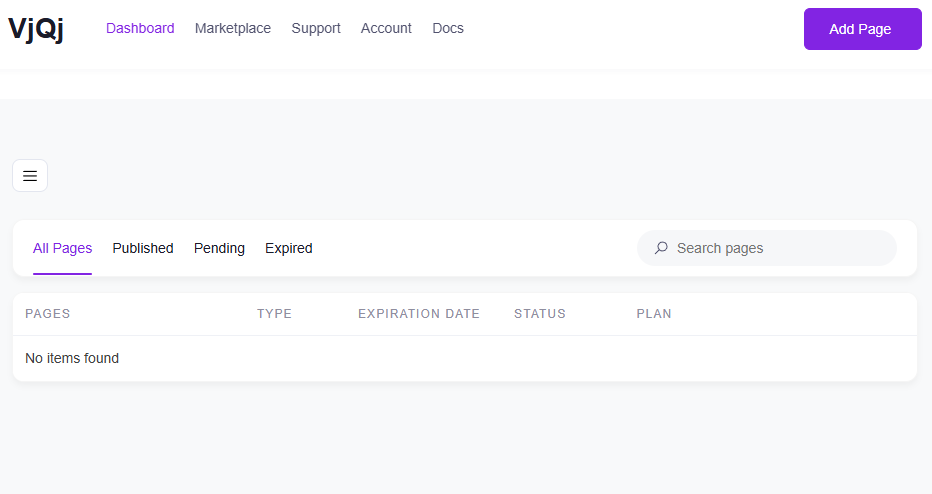
Шаг 2 — Создание страницы бренда
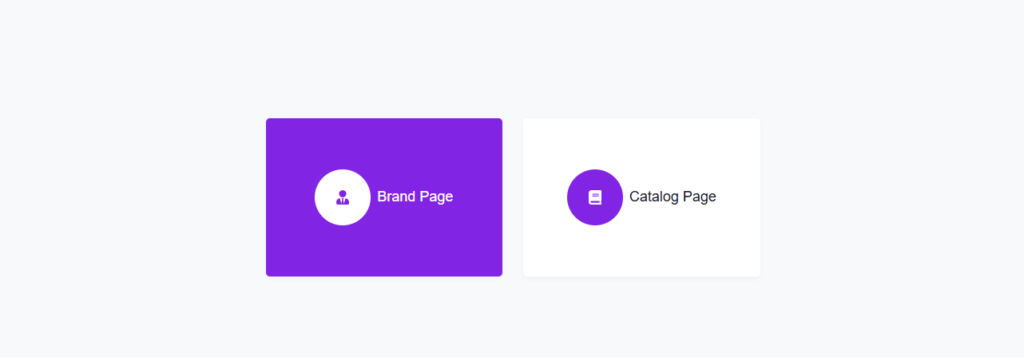
Перейдите в «Мои страницы», нажмите «Добавить новую страницу» и выберите «Страница бренда».
Заполните следующие поля:
Название компании — ваше официальное название, как вы хотите, чтобы его видели китайские покупатели. Отрасль — выберите наиболее подходящий вариант из выпадающего списка. Рабочий email — адрес, на который будут приходить запросы от покупателей.
Все остальные поля на данный момент необязательны. Прокрутите вниз, установите флажок согласия с условиями и нажмите «Отправить».
Вернитесь в «Мои страницы». Если название вашей компании появилось в списке, страница бренда создана.
Шаг 3 — Создание страницы каталога
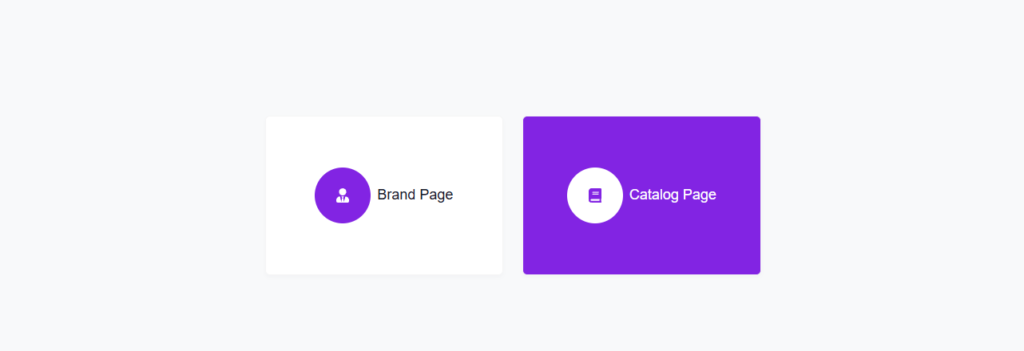
Снова нажмите «Добавить новую страницу» и выберите «Страница каталога».
В поле «Профиль бренда» ваша страница бренда будет предварительно выбрана. Вы не можете создать страницу каталога без опубликованной страницы бренда.
Заполните:
Название продукта / услуги — то, что вы продаете. Категория продукта — выберите из выпадающего списка.
Нажмите «Отправить». Проверьте «Мои страницы» — если название вашего продукта отображается рядом со страницей бренда, все готово.
Шаг 4 — Создание QR-кода и его тестирование
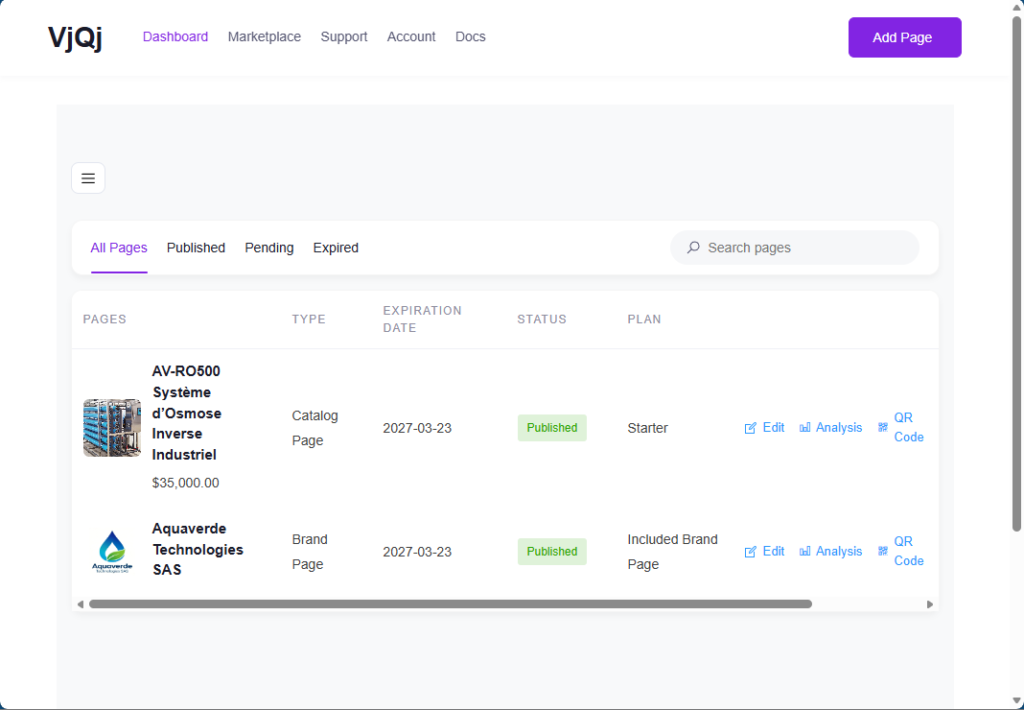
В разделе «Мои страницы» нажмите на значок QR рядом с вашей страницей.
Задайте три поля: Платформа — выберите WeChat. Тип канала — выберите "Кампания". ID канала — введите что-то вроде «test» (1-5 символов).
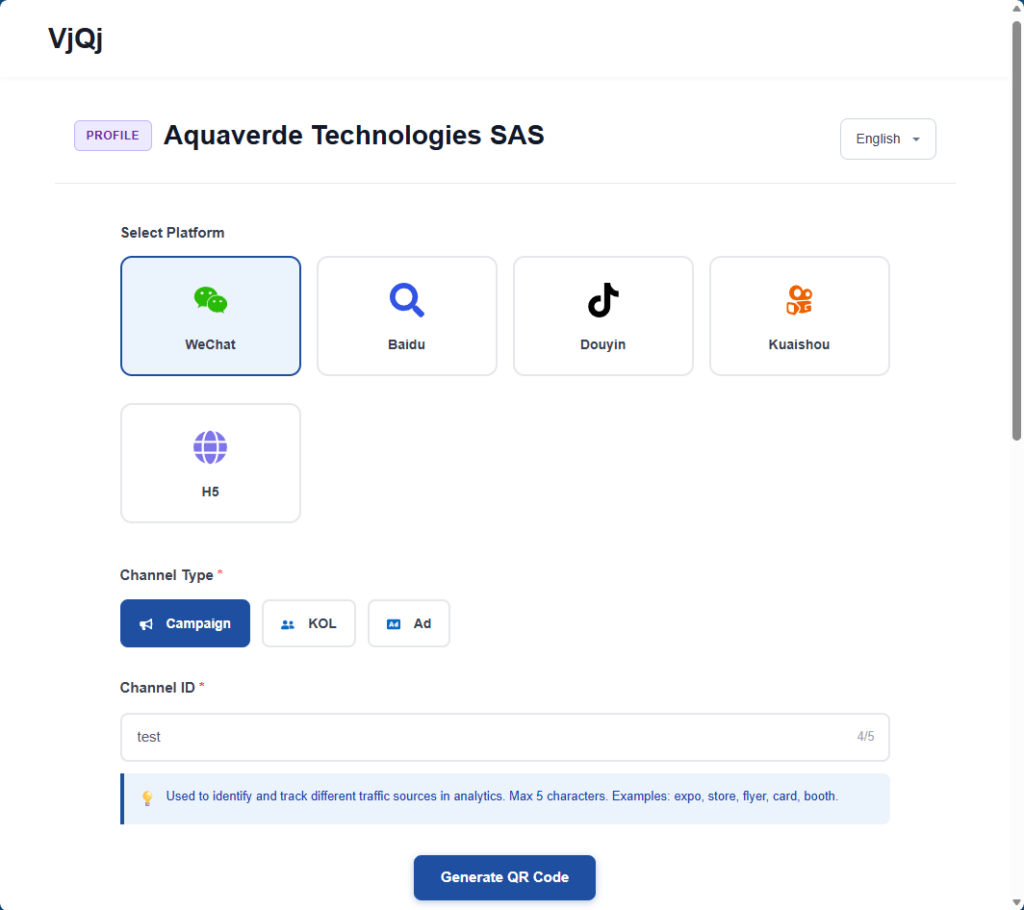
Нажмите «Сгенерировать», скачайте изображение QR-кода, откройте WeChat на своем телефоне и отсканируйте его. Если страница загружается внутри WeChat, все работает.
Что делать дальше: вернитесь и заполните свою страницу бренда (логотип, описание компании, изображения галереи) и страницу каталога (торговые условия, описание, фотографии). В разделах ниже подробно описано каждое поле.















