Publique sua primeira página para a China em cerca de 15 minutos. Você não precisa de imagens ou de um perfil completo para começar.
Etapa 1 — Cadastre-se
Acesse app.vjqj.com e clique em "Sign Up" (Cadastre-se).
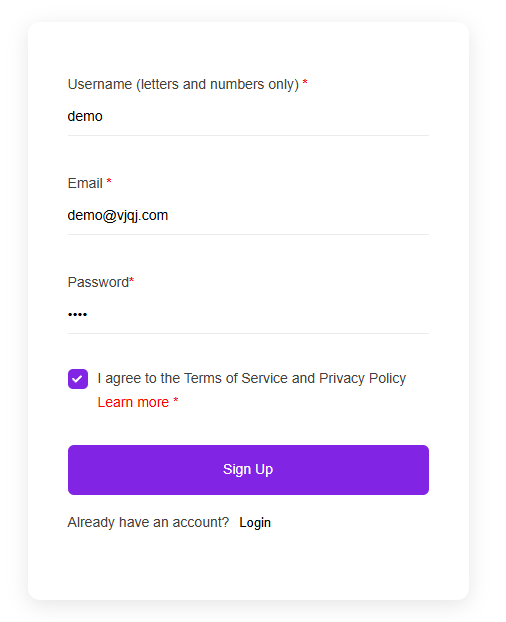
Preencha três itens: um nome de usuário (letras e números, como "company01"), seu e-mail comercial e uma senha. Clique em "Sign Up" e verifique sua caixa de entrada para um e-mail de verificação. Verifique a pasta de spam se nada chegar em alguns minutos. Algumas contas são ativadas instantaneamente sem verificação.
Após fazer login, procure por "My Pages" (Minhas Páginas) no menu superior. Se estiver lá, sua conta está pronta.
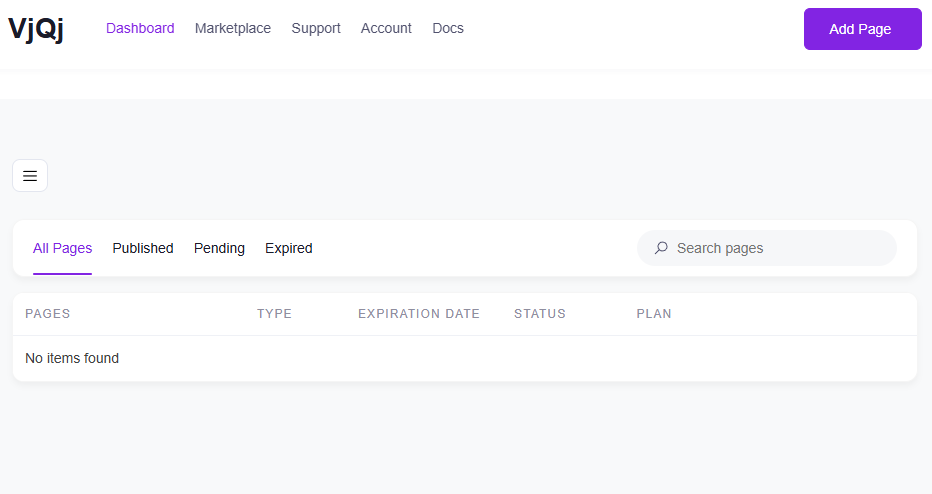
Etapa 2 — Crie uma Página de Marca (Brand Page)
Vá para "My Pages", clique em "Add New Page" (Adicionar Nova Página) e escolha "Brand Page" (Página de Marca).

Preencha os seguintes campos:
Nome da Empresa — seu nome oficial, como deseja que os compradores chineses o vejam. Setor — escolha a opção mais próxima no menu suspenso. E-mail Comercial — o endereço para onde os e-mails de consulta de compradores serão enviados.
Todo o resto é opcional por enquanto. Role para baixo, marque a caixa dos termos e clique em "Submit" (Enviar).
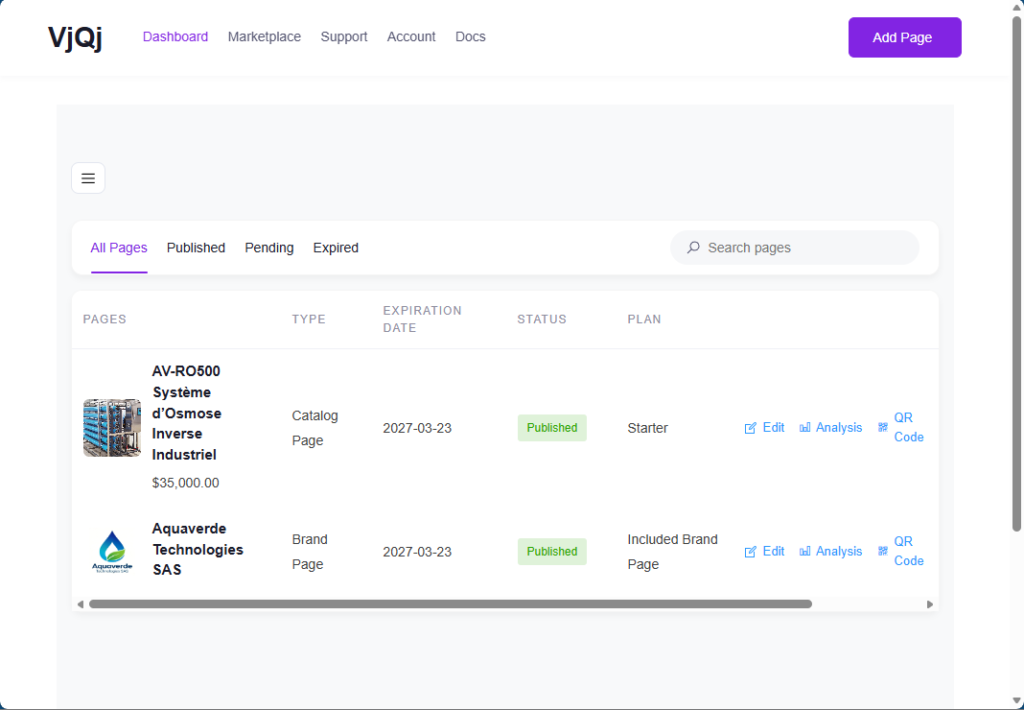
Volte para "My Pages". Se o nome da sua empresa aparecer na lista, a Página de Marca foi criada.
Etapa 3 — Crie uma Página de Catálogo (Catalog Page)
Clique em "Add New Page" novamente e escolha "Catalog Page" (Página de Catálogo).

Sua Página de Marca será pré-selecionada no campo "Brand Profile" (Perfil da Marca). Você não pode criar uma Página de Catálogo sem uma Página de Marca publicada.
Preencha:
Nome do Produto/Serviço — o que você está vendendo. Categoria do Produto — escolha no menu suspenso.
Clique em "Submit". Verifique "My Pages" — se o nome do seu produto aparecer ao lado da sua Página de Marca, está tudo certo.
Etapa 4 — Gere um código QR e teste-o
Em "My Pages", clique no ícone de QR ao lado da sua página.
Defina três campos: Plataforma — selecione WeChat. Tipo de Canal — selecione "Campaign" (Campanha). ID do Canal — digite algo como "test" (1 a 5 caracteres).
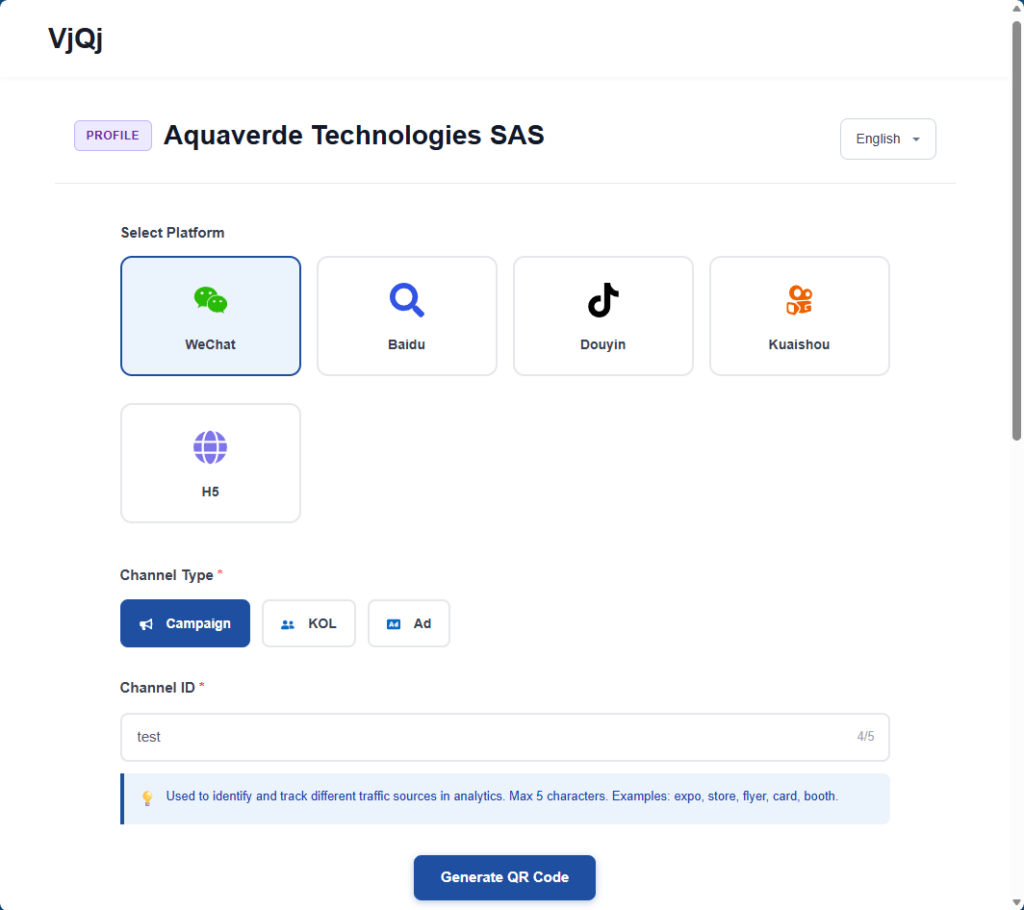
Clique em "Generate" (Gerar), baixe a imagem do código QR, abra o WeChat no seu celular e escaneie-o. Se a página carregar dentro do WeChat, tudo está funcionando.
O que fazer a seguir: volte e complete sua Página de Marca (logotipo, apresentação da empresa, imagens da galeria) e a Página de Catálogo (termos comerciais, descrição, fotos). As seções abaixo detalham cada campo.















