Page de marque Page catalogue Page d'organisation Assistant IA
VjQj
Audit gratuit
Prix Documents
Se connecter Commencer →

VjQj Platform Manual

  • Quick Start
    • Quick Start Guide
  • Getting Started
    • What is VjQj?
    • How to Use This Guide
  • Account Setup
    • Create Your Account
    • Se connecter
    • Manage Account Settings
  • Brand Profile
    • Create Your Brand Page
    • Upload Images & Videos
  • Product Catalog
    • Create a Catalog Page
    • Trade Terms & Descriptions
  • QR Codes & Channels
    • QR Code Overview
    • Generate & Download QR Codes
    • Channel Tracking & Analytics
    • QR Code Use Cases
  • Buyer Inquiries
    • Inquiry Types
    • Email Notifications
    • Inquiry Review Process
    • VjQj Trust System
  • Dashboard
    • Accessing the Dashboard
    • Dashboard Types
    • Understanding KPI Metrics
    • Analytics Tabs & Filters
    • Reading Time-Series Charts
    • Page-Level Statistics
    • Data Security & Privacy
  • Support
    • How to Get Support
    • Common Issues
    • Ticket History
  • Marketing Store
    • Marketing Store Overview
    • Purchase & Payment
    • Post-Purchase Management
View Categories
  • Documents
  • VjQj Platform Manual
  • Product Catalog

Create a Catalog Page

Catalog Pages are product or service listings. Each one links to your Brand Page. You must have a published Brand Page first.

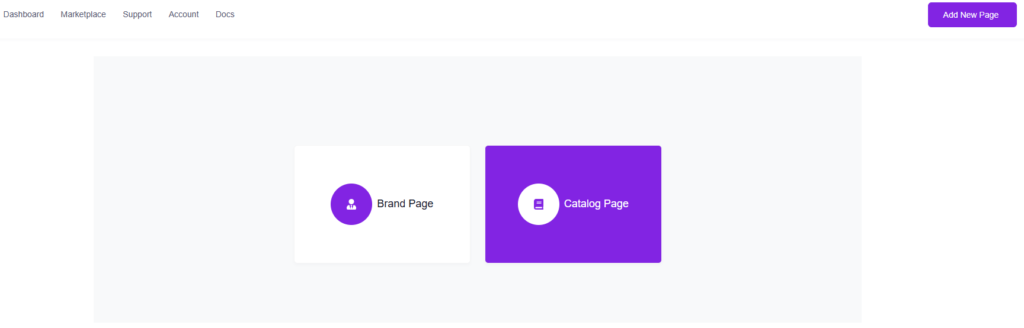
Go to My Pages, click Add New Page, choose Catalog Page.

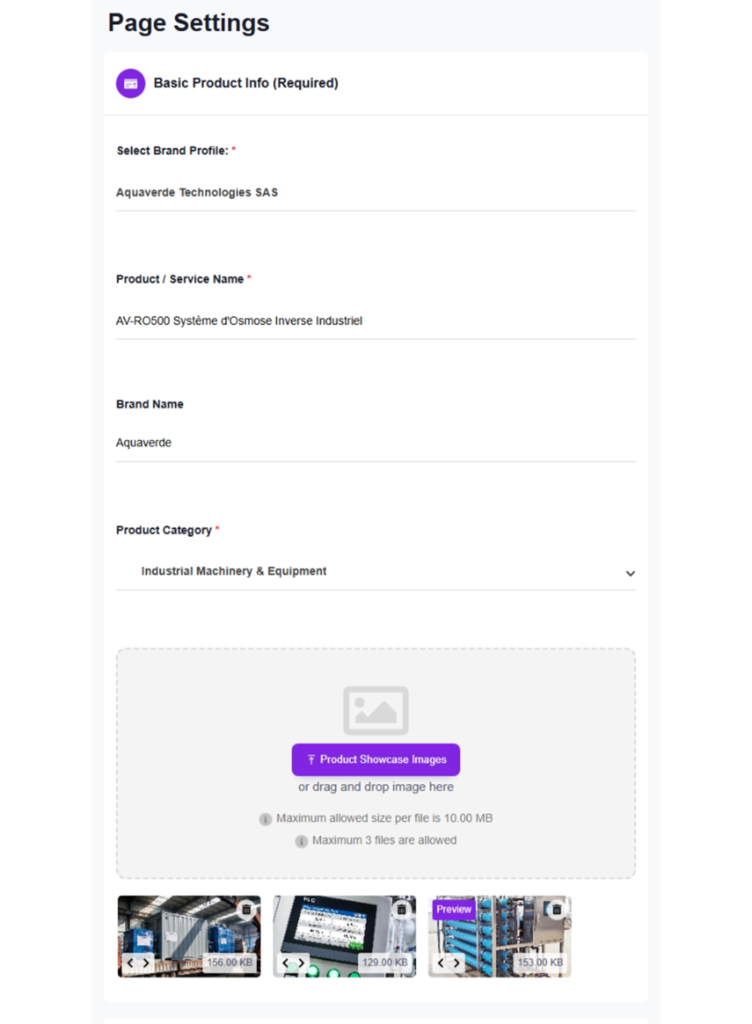
1. Basic Product Info (Required)

Brand Profile — auto-selected if you only have one. You must publish a Brand Page first before this field shows anything.

Product / Service Name — the page title Chinese buyers see.

Brand Name — the brand this product belongs to.

Product Category — select from the dropdown.

Product Showcase Images — up to 3 images. These display as a scrollable slider at the top of your catalog page.

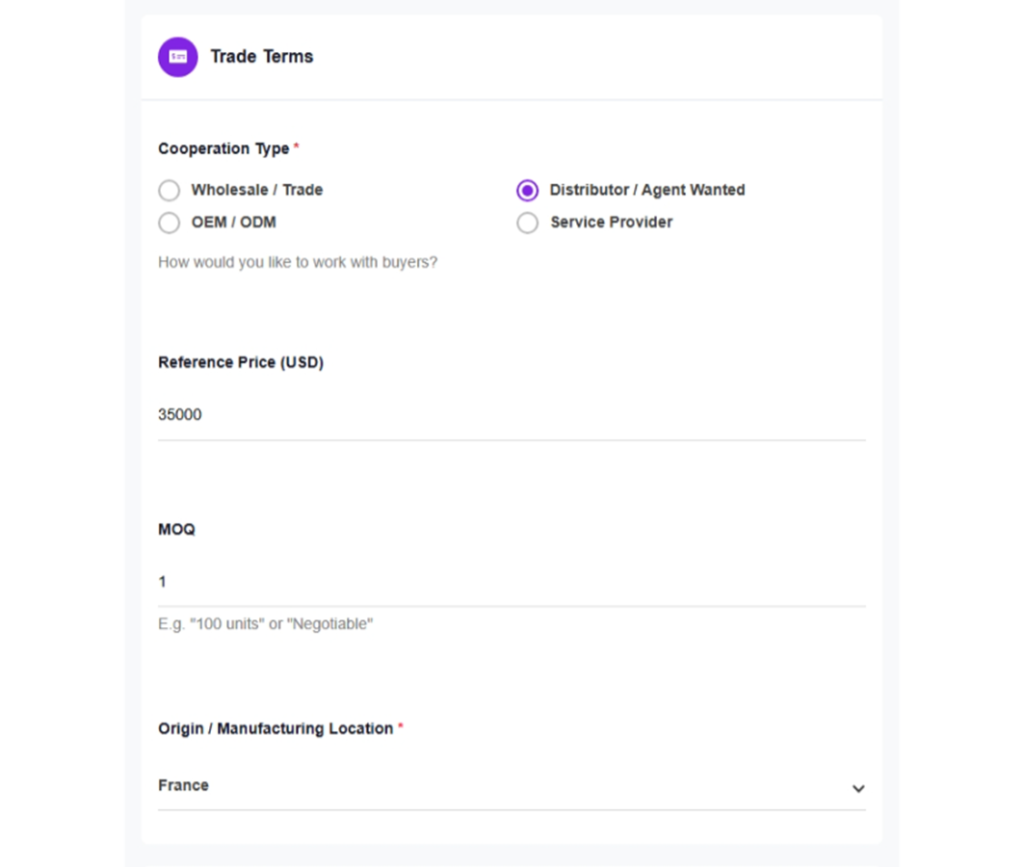
2. Trade Terms

Cooperation Type — choose one: Wholesale / Trade, Distributor / Agent Wanted, OEM / ODM, or Service Provider.

Reference Price (USD) — enter a number. Leave blank if you'd rather not show pricing. This is indicative only.

MOQ — minimum order quantity. Be specific ("100 units" or "500 kg"). Type "Negotiable" if no hard minimum.

Origin / Manufacturing Location — select the country from the dropdown.

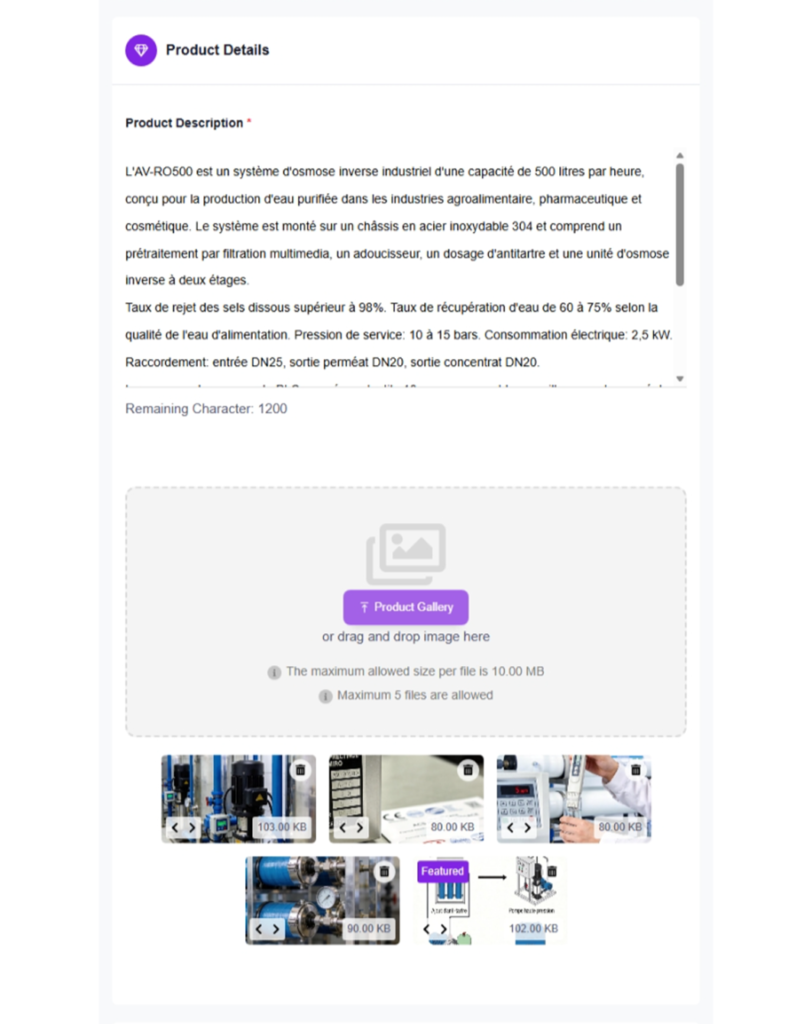
3. Product Details

Product Description — up to 1,200 characters. Cover what it is, key specs, applications, certifications, and your competitive advantage.

Product Gallery — up to 5 images. Close-ups, packaging, certification labels, product-in-use photos.

4. Publishing

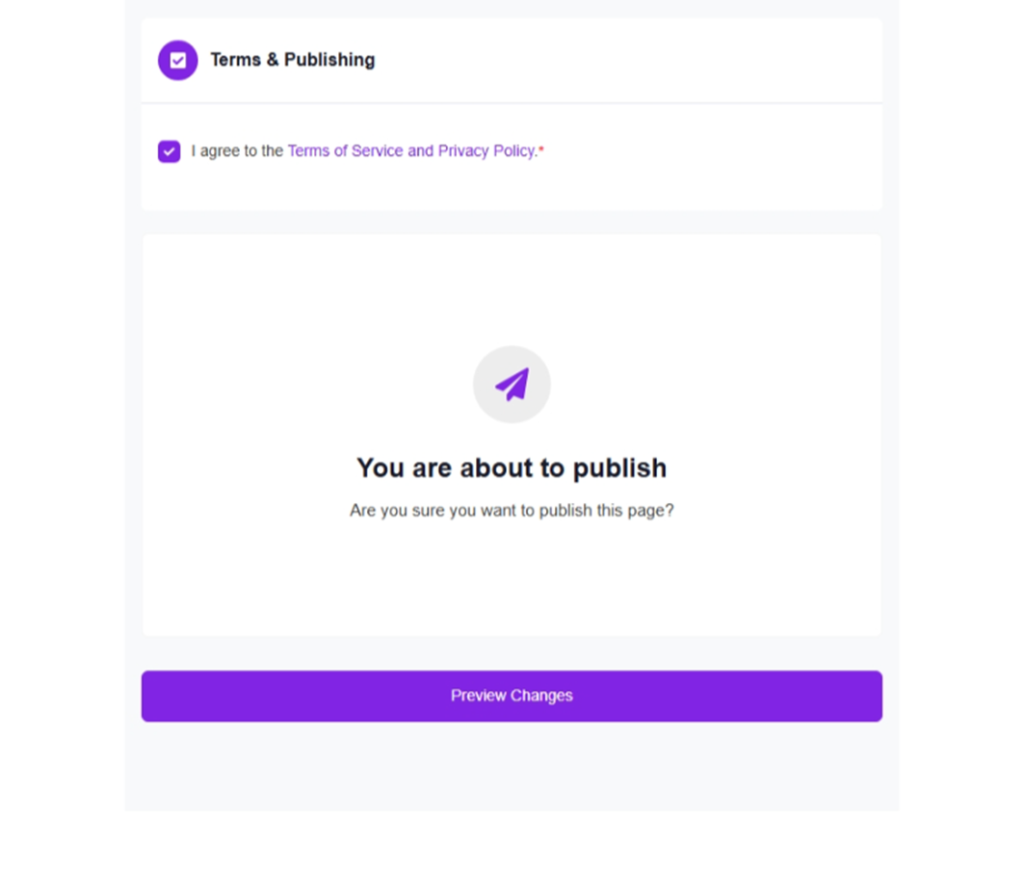
Same as Brand Page: check the terms, click Submit. Translation and deployment are automatic.

Was this helpful?

  • Happy
  • Normal
  • Sad

Share:

  • Facebook
  • X
  • LinkedIn
  • Pinterest
VjQj

Présence numérique de la Chine pour les marques étrangères. Aucune entité locale. Aucune agence. Pas d'approximations.

Produits

Page de marque Page catalogue Page d'organisation Assistant IA

Ressources

Audit gratuit Prix Documents

Commencer

Générer ma page Chine →

Gratuit pour commencer · Aucune carte de crédit requise

PIC 津ICP备2025038813号  Contact : support@vjqj.com  |  Conditions d'utilisation  ·  Politique de confidentialité
© 2026 Tianjin Xuniu AI Studio. Tous droits réservés.
LinkedIn
🌐Language:
Changer la langue en English English
Changer la langue en Korean Korean
Changer la langue en Japanese Japanese
Changer la langue en German German
French
Changer la langue en Spanish Spanish
Changer la langue en Arabic Arabic
Changer la langue en Portuguese Portuguese
Changer la langue en Russian Russian
Changer la langue en Indonesian Indonesian
Changer la langue en Vietnamese Vietnamese
Changer la langue en Turkish Turkish
Changer la langue en Thai Thai
Changer la langue en Hindi Hindi
OK
French
English Korean Japanese German Spanish Arabic Portuguese Russian Indonesian Vietnamese Turkish Thai Hindi